

Written by Mishaal Khan
10 Jan 2026
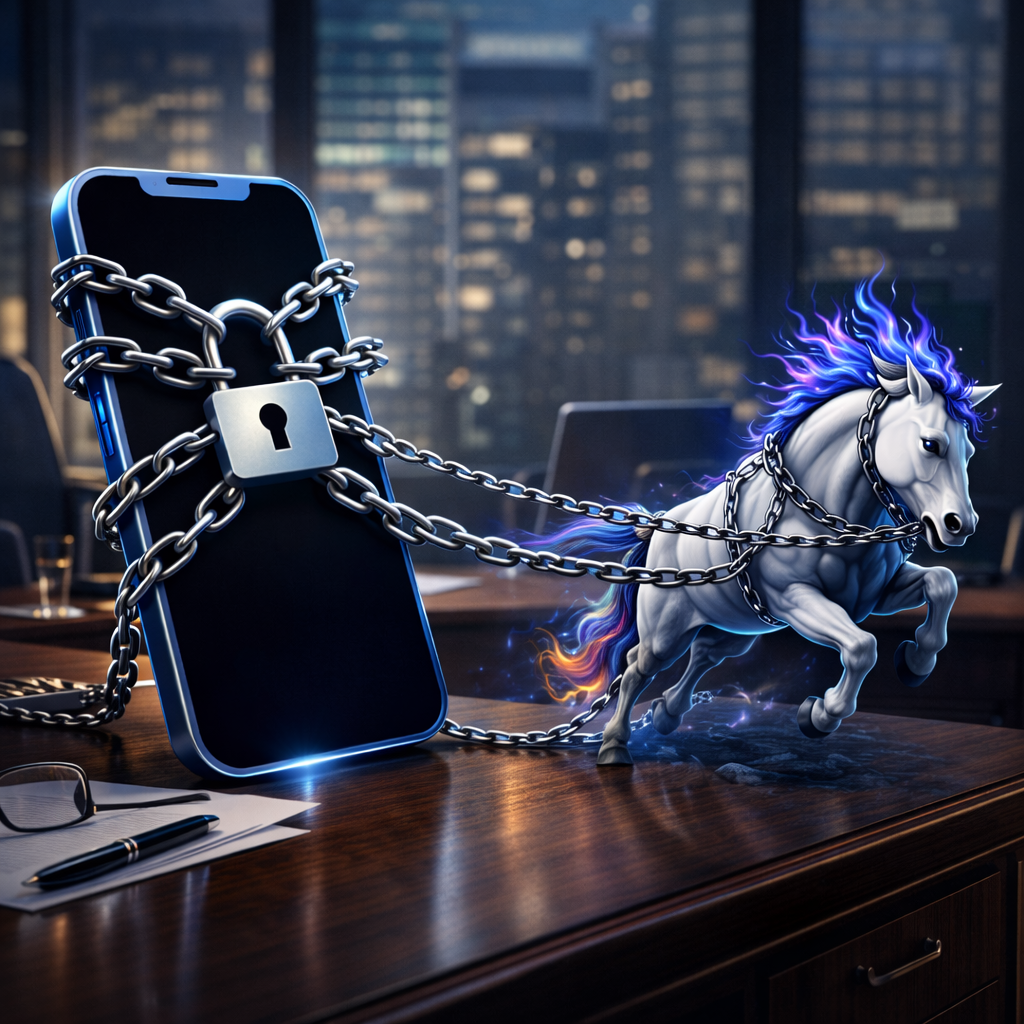
📵 Lockdown Mode is Apple’s highest level of security for iPhone. It’s designed for people who may be specifically targeted by sophisticated spyware (like Pegasus), not just exposed to everyday scams or phishing. Think of it as a digital safe room for your phone.
Lockdown Mode is built for high-risk roles, including:
If your position, influence, or access to sensitive information makes you valuable to an attacker, this applies to you.
Lockdown Mode helps defend against advanced, targeted attacks, including:
These are not mass scams, they are surgical attacks aimed at specific people.
Lockdown Mode dramatically reduces what attackers can exploit by limiting risky features:
In short: fewer doors for attackers to break through.
Turn it on when:
It’s not meant for daily convenience — it’s for elevated risk moments.
More security always means less flexibility.
Settings → Privacy & Security → Lockdown Mode → Turn On
Your iPhone will restart and protections activate immediately.
Most people don’t need Lockdown Mode, but the people who do, really do.
If you’re a high-value target, Lockdown Mode is one of the strongest personal cybersecurity defenses Apple offers, and it’s already in your pocket.




© 2026 All rights reserved | License: A11643701
A Wyoming LLC, Headquartered in Austin, TX, Global Presence